A click-only interface costs you milliseconds, which nobody notices, and interruptions, which I notice constantly. So do all the productivity-minded people who would rather live in a terminal or a spreadsheet than in a menu.
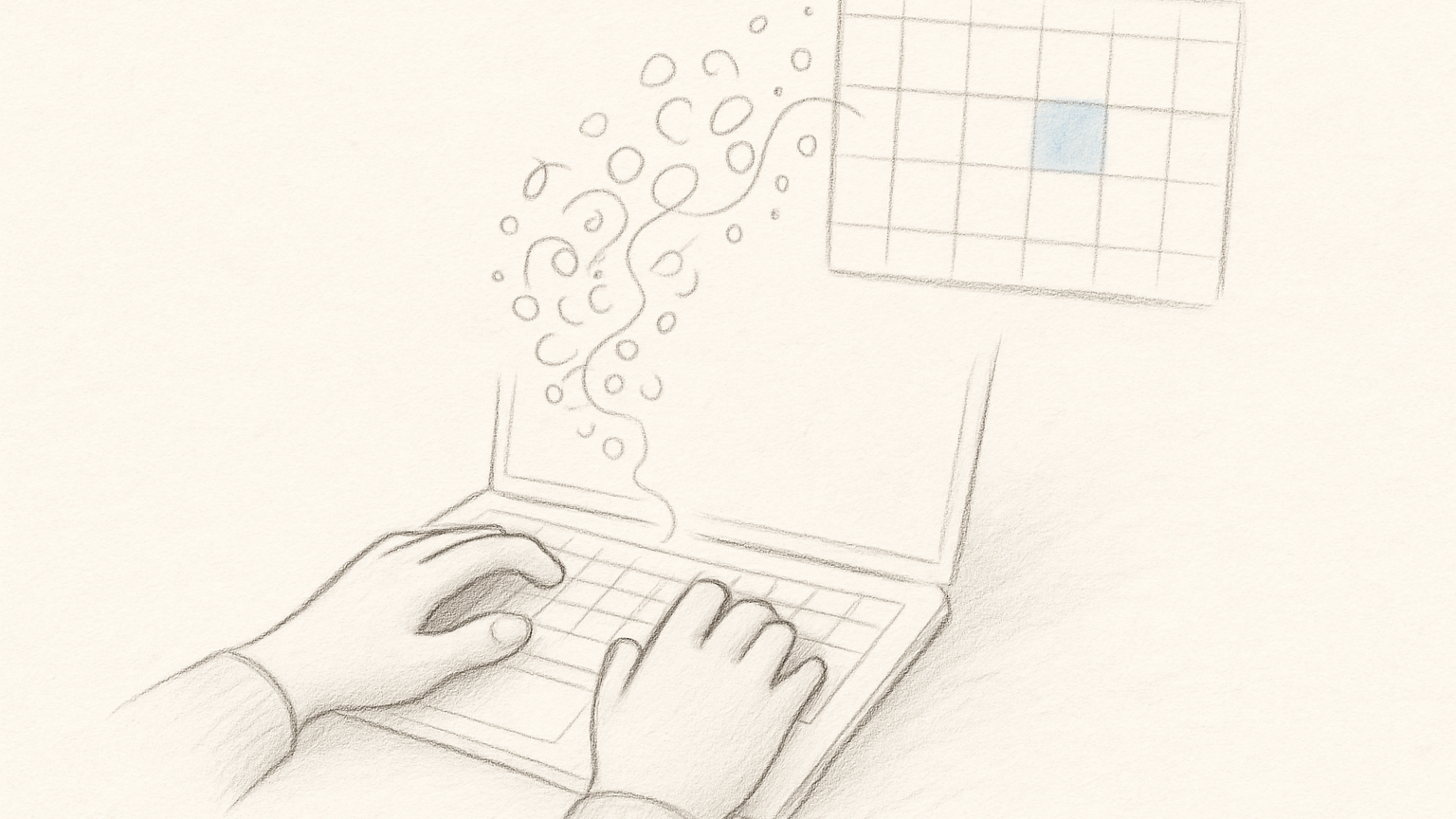
Planning tends to happen in the typing pose. Hands already on the keys, you are naming the work and adjusting it, and a second task surfaces because writing down the first one made room for it. Reaching for the mouse is a small motion that lands right in the middle of that.
Plenty of people never feel this, or only feel it sometimes. The ones who think by writing feel it immediately, and for them a planning app should keep up with the sentence before the system gets involved. Slate is perfectly usable with a mouse.
Keyboard support should be boring
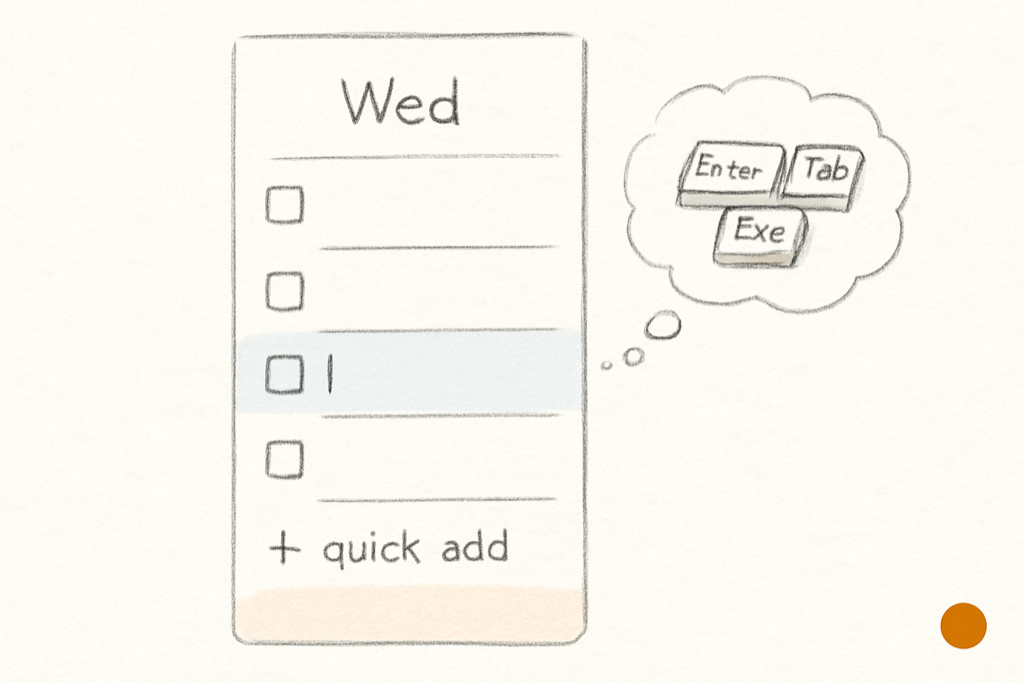
Keyboard-first gets heard as a promise of secret chords, the kind of app where the help overlay doubles as a personality test. The better version is an app you never have to study. Excel got this right: press Alt and the letter shortcuts appear over the interface itself, so the map is the app rather than a page you had to memorize first. Slate borrows that mechanism, and goes one step further. Start using the arrow keys at any point and keyboard mode switches on, showing you the rest of the keys available from wherever you happen to be.
Moving work is part of writing the plan
A weekly planner needs movement as much as it needs entry. Tasks travel between days, get reordered within a day, and cross between the Idea Backlog and the weekly slate, and when any of that carries too much friction the plan hardens before it should.
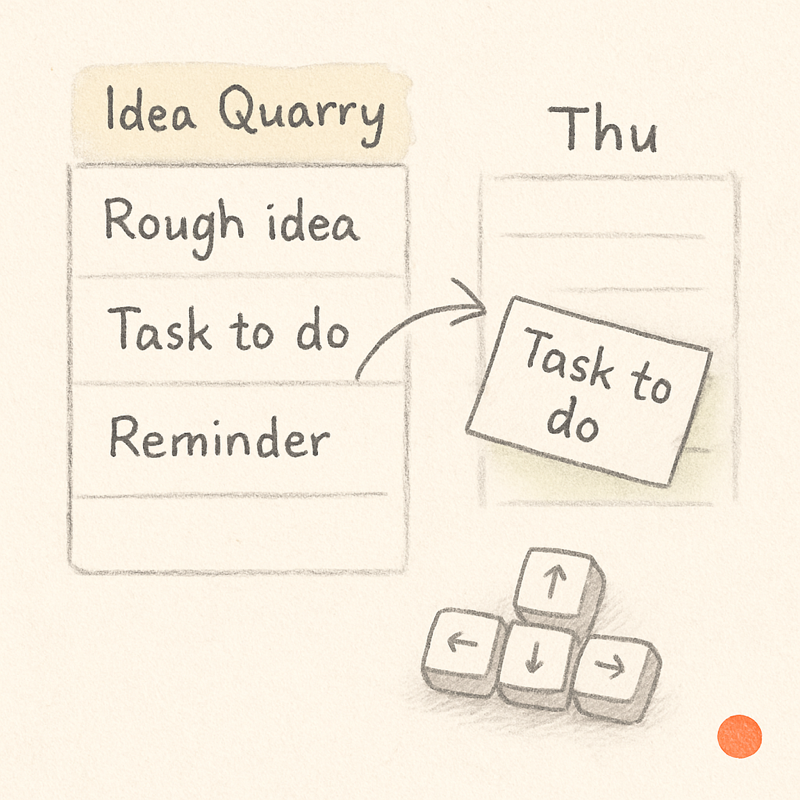
Slate supports drag-and-drop because some movement is genuinely spatial. Quick entry and easy movement come out of the same belief, that planning is closer to arranging than to filing.
The interface should keep its hands quiet
There are two ways to get this wrong. One is the app where every action takes the mouse. The other turns the keyboard into a cockpit.
The middle is duller than either: common actions get obvious shortcuts and the rest can wait. You add the task where you are, edit it where it sits, move it when it belongs somewhere else, and search when memory gives out. The week is already enough to think about without the tool becoming a second thing to operate.