











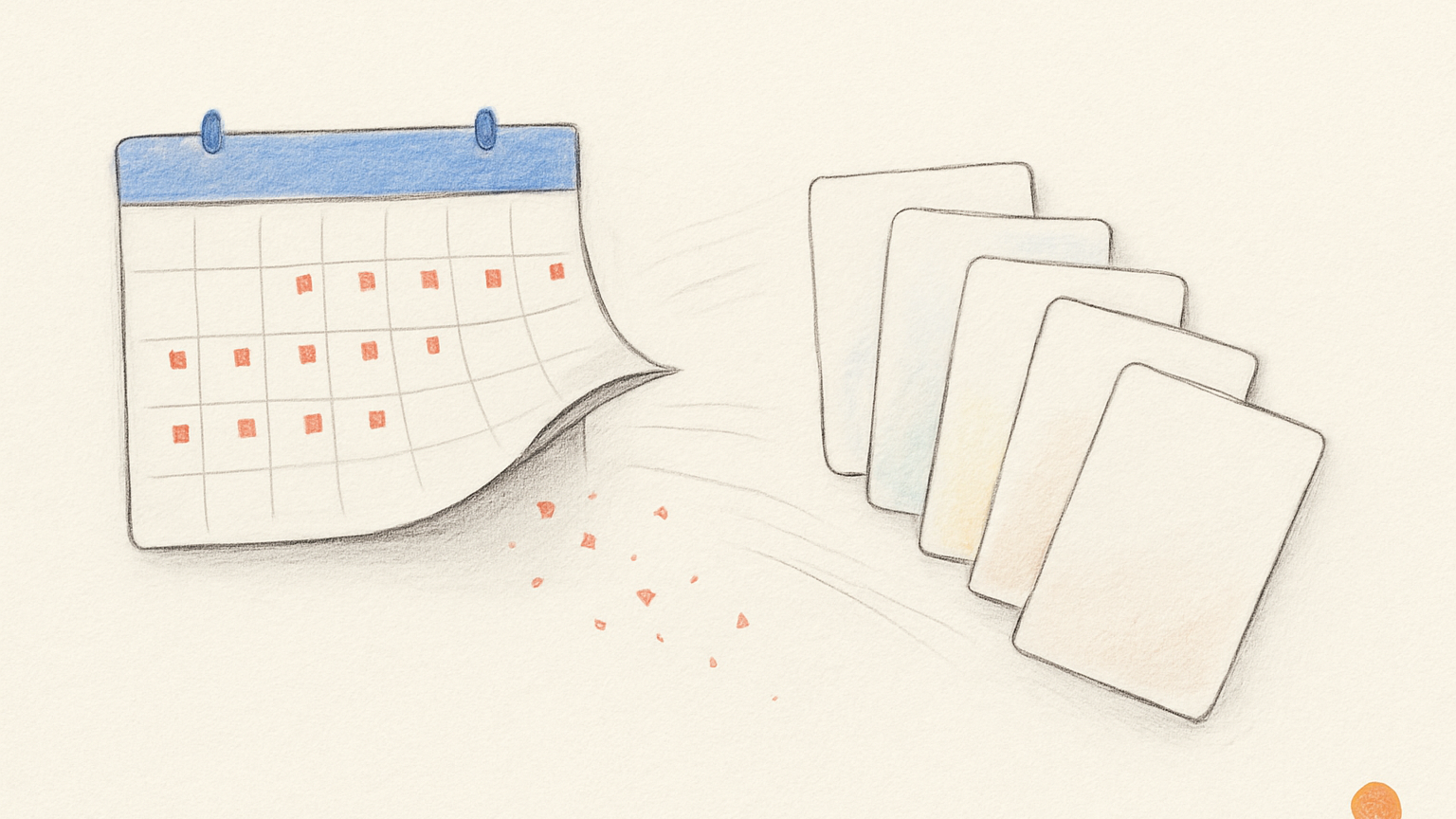
I have used plenty of task apps that treat every date like a deadline, and some of them are excellent. Todoist is great at capture and structured task management. Things is polished and calm in a way many products should envy. A calendar is still the right place for meetings, travel, appointments, and anything that becomes someone else’s problem if you are late.
Slate leaves all of that alone and works on a narrower problem: how the week gets made. For that problem, I think most due dates are the wrong tool.
A deadline is not the same as a plan
Some things really are due: rent, taxes, a flight, the closing date on an application. A meeting starts when the meeting starts. Dates like that belong in tools built for hard constraints.
A lot of task dates are different: “draft outline, Wednesday,” “follow up with Mira, Thursday,” “review research, Friday.” Most of those are intentions rather than deadlines, guesses about where the work might fit.
Most task apps cannot tell the difference. They run both through the same machinery, so a hard deadline and a hopeful Wednesday go into the same field.
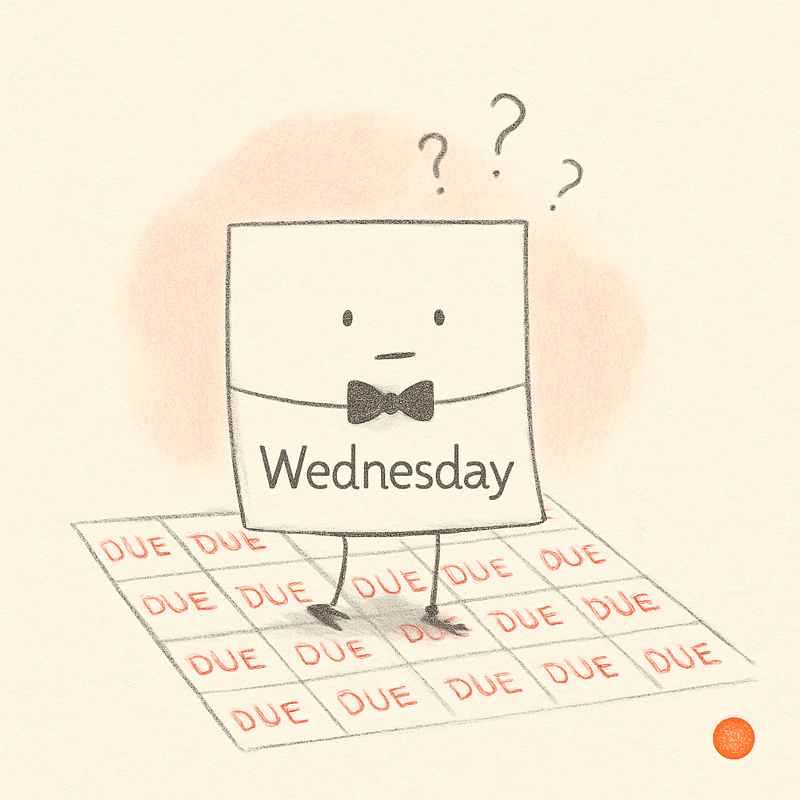
Then the date passes and both come out overdue. That costs you twice. When everything carries a date, nothing stands out as genuinely urgent, so the dates stop telling you what matters. And every one of those invented deadlines you miss leaves a small deposit of guilt behind, until opening the app feels like reading a list of ways you have let yourself down.
Calendars
A calendar is perfect when time is the thing. A call at 11:00, a train at 18:42, a meeting three other people are joining: the calendar should hold all of it.
Flexible work is where it breaks. Blocking “write first draft” from 9:00 to 11:00 can be worthwhile if you are deliberately protecting focus time, but a lot of calendar blocking is really a way to make uncertain work look certain. The calendar draws a clean box and the week feels solved, right up until the day starts. The meeting moves, the inbox catches fire, the task turns out to need a decision you do not have yet, and now the calendar is full of rectangles describing a week you did not actually live.
Slate does not ask ordinary tasks to pretend they are appointments. A task that belongs on Wednesday can simply live on Wednesday. Slate does not care when on Wednesday you get to it.
Classic to-do apps
Classic task apps are very good at capture, and they reward structured work: lots of projects, recurring responsibilities, filters, labels, deadlines. If your work naturally fits that shape, they can be powerful.
Mine never fit that shape. I needed a clear surface for deciding what belonged this week and what still belonged in the Backlog, and more ways to classify every task got me no closer.
Dates in these apps also become a maintenance burden. Miss a self-imposed date and the task goes overdue. Miss enough of them and the list turns to red sediment, and now you need a cleanup ritual for the system that was supposed to reduce the work. Somewhere in there, planning turned into administrative composting.
Polished task managers
Tools like Things understand calm better than most software. They make lists feel less hostile and cut the noise, which matters.
But they still lean on a model I did not want Slate to copy: areas, projects, deadlines, overdues. Useful, if a personal operating system is what you are after.
I wanted a plainer tool.
Open the week and see the work, with a place beside it for items that were not ready to become the week yet.
Drag a rough task into Friday when it became clear, drag it back out when I admitted it was not ready. Slate is intentionally less complete than a full task-management system.
The day is the date
In Slate, the day is enough. If I put “send the proposal note” on Thursday, I have committed to Thursday, not to 9:00 and not to some artificial deadline.
If I do not finish, the task rolls forward quietly, no bad feeling. It stays alive without turning into a separate failure I have to manage. A task that keeps rolling is telling me something: it might be too vague, too large, or not ready for the week at all, in which case it goes back to the Idea Backlog until the next action is clearer.
Slate still demands judgment, just at a different point. The question stops being “What fake deadline should I give this?” and becomes “Does this belong in the week, and if so, where?” That is the question I wanted the app to keep asking.
When Slate is not the right tool
If you need complex project dependencies, team assignments, Gantt charts, or a complete work-management system, Slate will probably not be enough, and that is by design. It covers the personal layer: the work in front of you, the shape of the week, the rough material that might become work soon, and the small daily act of deciding what belongs where.
Keep the calendar for real time and a project system for projects that need one. Slate is for the week you have to live.