

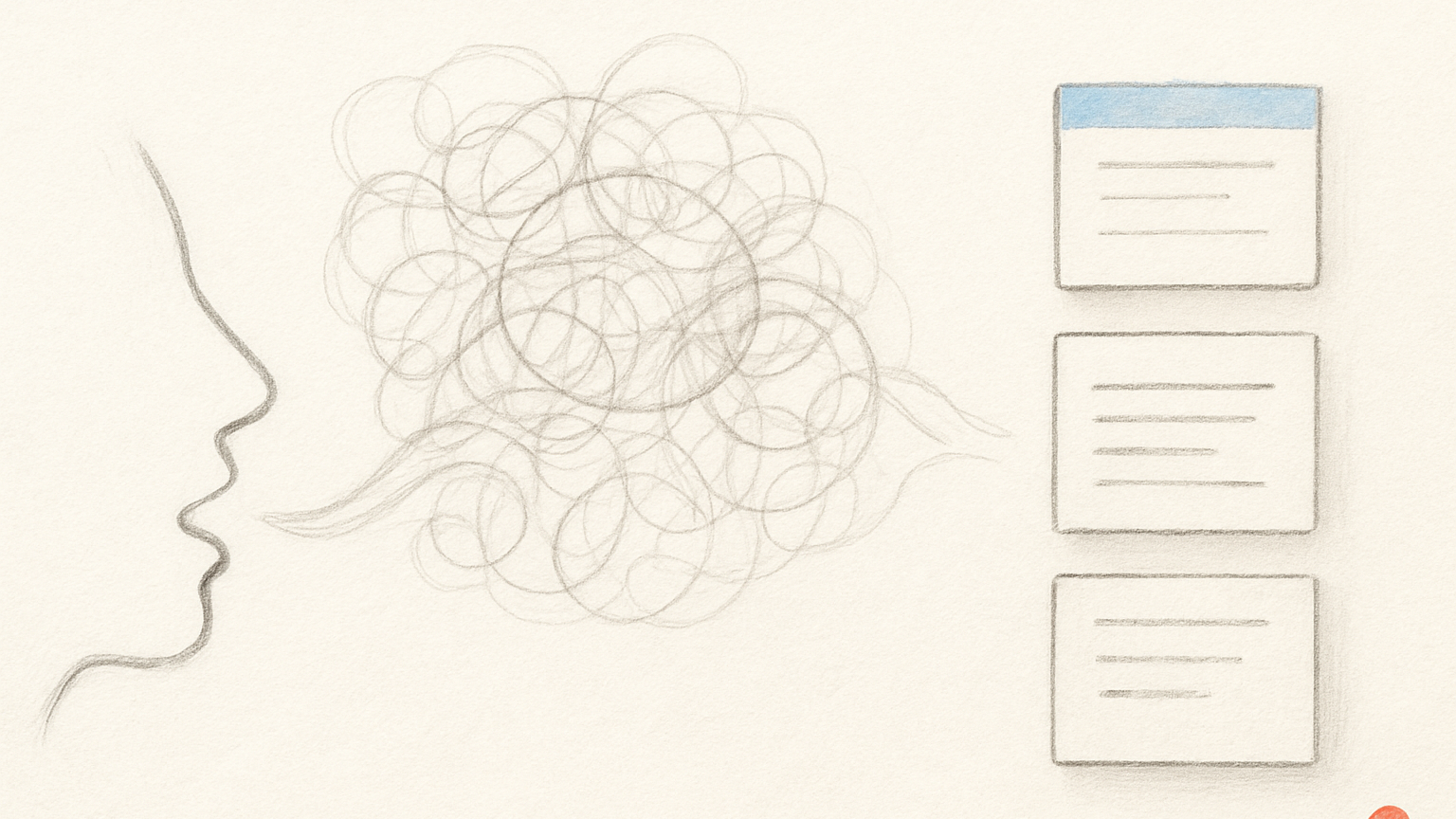
Typing wants a finished thought. The cursor blinks, the line waits for a title, and you start editing before you have worked out what you mean. Speaking puts up with mess: a voice note can start before the idea has a name, circle the point, contradict itself, remember the important bit halfway through, and keep going. I think that is why voice memos have outlived so many app cycles. They fit the moment when the brain wants to unload before it wants to organize.
The ramble contains the work
A useful task rarely arrives as a neat sentence. It sounds more like “I need to do the thing with the onboarding notes, not today, but before the next call, and also check whether the old pricing example is still in the deck.” That might be one task or three, and some of it is context that has no business in a task title at all.
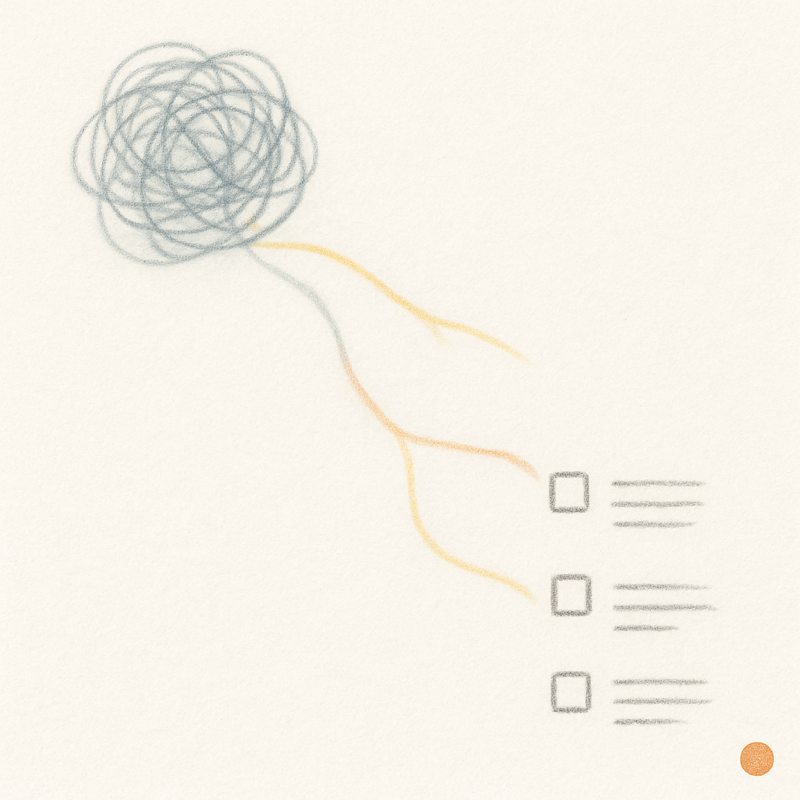
Typing that out forces you to sort it too early. Saying it lets the thought leave your head while it is still current, and the structure can come afterwards. For a planning app the audio file is the least interesting part of the exchange. What counts is turning the unstructured thought into rows you can do something with.
Extraction, not transcription
A transcript does not get you there. It is the ramble again with punctuation applied, which has its uses, but if the app hands you one large paragraph and calls that capture, the organizing work is still yours.
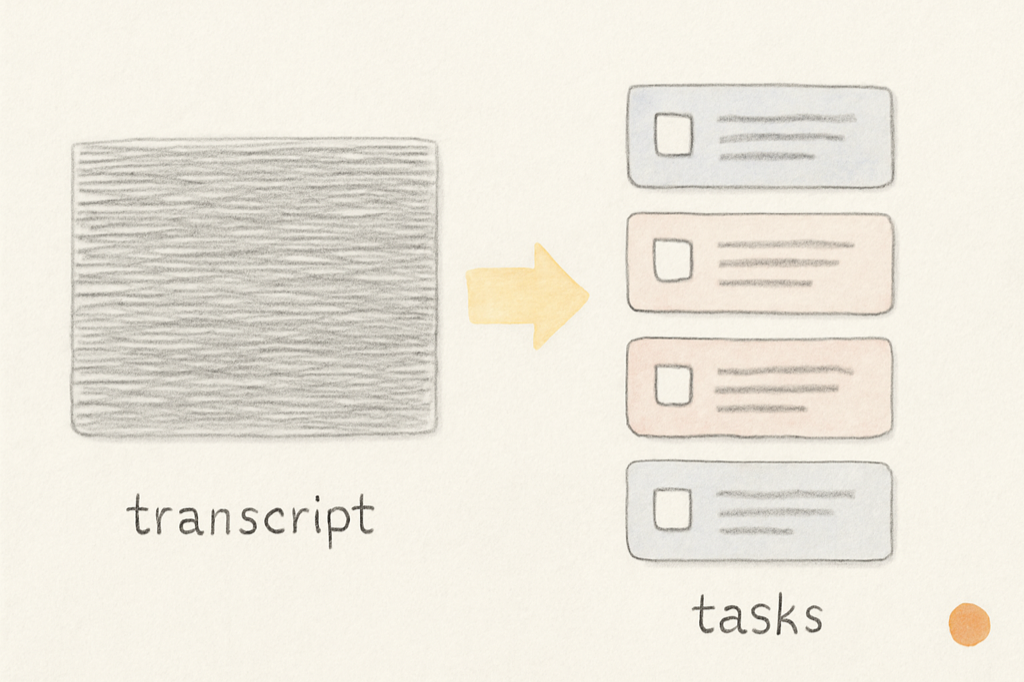
Slate’s Voice-Dump to task feature does extraction instead. You speak freely and the app pulls discrete tasks out of the ramble, which land as draft rows in the Idea Backlog. Draft is the operative word. You can fix the wording, split a task, delete a wrong guess, or drag the right one straight into the weekly slate. The feature lowers the cost of getting material into a form you can judge, and the judging stays yours.
Your own vocabulary matters
People do not speak in generic task titles. They say “the thing with Mark,” “the deck from last time,” “the ACME numbers,” “that French note I mentioned yesterday.” A voice system that treats every user as a stranger will often produce technically correct nonsense from all of that.
Slate biases transcription around your existing task names, so the words you already use count for more. If “Mark review” is already in your week, “the thing with Mark” has a better chance of coming back as the right draft task.
The same goes for the language you are actually speaking. A bilingual day is ordinary for plenty of people, and Slate’s voice capture works across eleven languages rather than assuming your thoughts arrive in only one. When the app cannot tell what you meant, it should say so.
Speak, parse, edit
None of this means the app understands your life. Voice capture is simply a faster way to get the rough material out. The workflow is speak, parse, edit; the first two take seconds, and the third takes as long as it deserves.
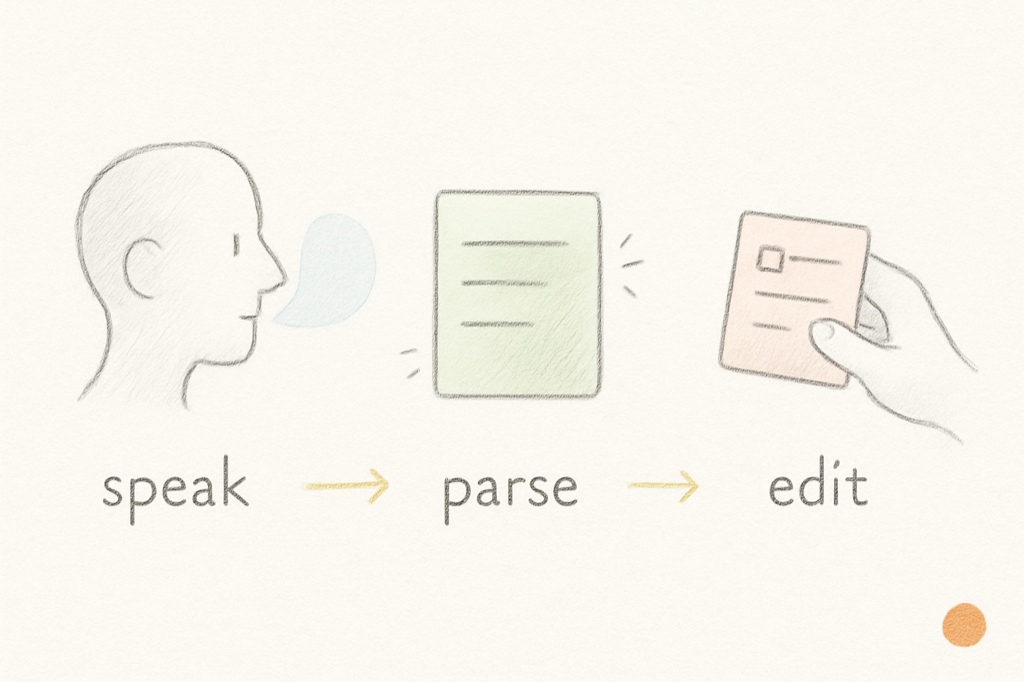
The output goes to the Idea Backlog because a spoken thought is material rather than a commitment. Some of it becomes a task for Thursday, some turns into a note inside a task, and some gets deleted because the sentence only sounded important while you were walking. That is fine; not every word needs to become work. The job was getting it out of your head, which was never a good inbox in the first place.